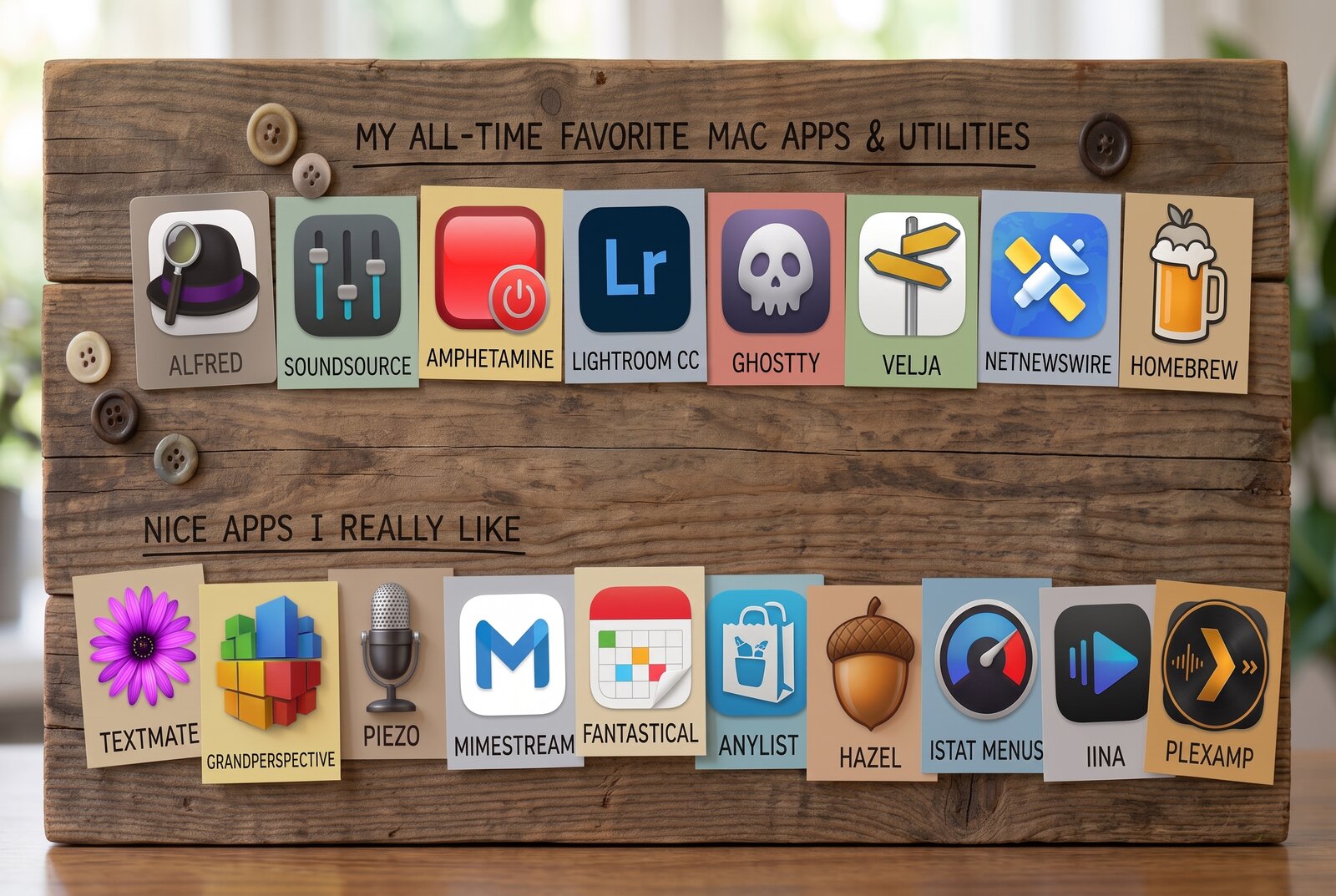
My all-time favorite Mac Apps and Utilities
Recently1, Jason Snell at sixcolors.com posted a very interesting article on the best apps/utilities to install on a fresh new Mac. Conclusion: back in late 2023, macOS already came with a lot of great defaults and it’s probably best to start there. This is even more true in 2026.
In the past, I’ve sometimes made the mistake of pushing alternative apps onto others, particularly Mac Newbies. But just because something works for me does not mean it fits them. Worse, anything that is not default ultimately is harder for them to solve on their own when they run into trouble. At best, they don’t use it anyway; at worst, I’ve created future IT support for myself.
That said, there are definitely a bunch of apps and utilities I would not want to live without. Some are nice-to-have. Some are apps I just like more than defaults. Others I would classify as “Apps without which my Mac feels broken”. This is the 2026 state of that list for me.
Apps without which my Mac feels broken
 Alfred
There are plenty of launchers nowadays. Quicksilver is still hanging around. Launchbar is a favorite for many. Raycast has been making waves for the past 1-2y as new entry backed by VC money.
My favorite tool is Alfred. In fact, after checking my Gmail, it has been just that since 2011! That’s a long time for any tool – and arguably a huge part of the reason why I am very unlikely to switch to anything else. But it is not the only one. I do have a Powerpack with “free lifetime upgrades”. But having worked in games-as-a-service for 15y, I know very well how much work it is to create and maintain software. “Free lifetime upgrades” are nice for customers but a shit deal for the developer. Knowing that, I reached out to the Alfred folks and suggested that they give me a way to still pay them when new upgrades drop. To my delight, I convinced them and they added the “Legendary+” “update”. It gives you “nothing” but the warm fuzzy feeling of supporting an app you use every day. I do it gladly, that’s how much I love this tool.
My use cases for Alfred are fairly straightforward:
- Launching apps: I also sometimes use it as an app switcher, even if at times accidentally since I forgot the app was already open.
- Clipboard history: indispensable. I particularly like that Alfred’s clipboard passes through plain text only, which I vastly prefer. And while Apple now supports a clipboard history in Spotlight, I still prefer Alfred’s and its integration with Snippets.
- Snippets: incredibly handy for things you use all the time. A poor man’s Text Expander. A simple example I use all the time: hitting µ then g expands into my gmail address. I have several of these shortcuts for several emails, which is very handy for forms. The reason I chose the letter “µ” is simply that there is no plausible letter combination like this I might type accidentally.
- Contacts search: which includes being able to copy basic information like emails or phone numbers directly into the clipboard
- Custom searches: basically shortcuts that lead directly to a search on the referenced site, such as IMDb, Google Images, LinkedIn, my work Confluence Wiki, YouTube etc.
- As a simple calculator (although it bugs me that it does not do simple in-line unit conversions like Spotlight out-of-the-box)
It can do a lot more but despite having fiddled around with Alfred Workflows, I end up not using such workflows frequently, much like Shortcuts for Mac.
Key reasons why I still love and prefer Alfred over its alternatives:
- Speed and responsiveness: it’s just fast and snappy. Every. Single. Time. It never hangs, it never pauses or leaves you wondering if it’ll react, not even a split-second. AFAIK it is the fastest and snappiest out there too.
- Simple and clean: it does what I want it to do easily and effortlessly. Others may have more features, plugins, or bling, but just like with other tools, I often find this getting in the way.
There is a lot of debate online, particularly with regards to Raycast. This post by Josh Collinsworth sums it up perfectly: “Raycast is better free; Alfred is better paid”. I’ve long paid for the “Legendary” life-time support for Alfred (and now also Legendary+). Raycast is VC-money backed. That’s not bad per se, but it does mean that, sooner or later, they will put the thumbscrews of monetization on it too, so I am not buying the short-term argument that it’s “better free”.
Alfred is the first app I install on any Mac. Hitting Alt-Space the first time and having a few puzzled seconds as to why nothing happens is enough to remind me why.
 SoundSource
SoundSource is a Rogue Amoeba menu-bar utility that lets you set volume and output device per app, rather than system-wide. It also adds a system-wide EQ and effects, and makes switching outputs a couple of clicks instead of digging through System Settings. It’s incredibly useful if your sound setup involves more than the built-in laptop speakers and AirPods. When I (used to) work with my laptop “docked” to my Apple Studio Display, I have 3 sets of speakers (and microphones): the display ones, the laptop ones, and the ones connected to a Steinberg UR44 interface, which also has a really good condenser mic for input. SoundSource makes it very easy to distribute sound the way you want. For example, I prefer system sounds coming out at very low volume from the Studio Display. It means I control their volume (low) and the spatial difference isolates system alerts and notifications from music or speech in a Zoom call.
 Amphetamine
Amphetamine does one job and does it well: it keeps my Mac awake, on demand, for as long as I tell it to. No sleep, no screen lock, nothing fancy. It’s free on the Mac App Store. You won’t believe how many times I’ve sat in meetings and the person presenting has their laptop dim-out on them while answering a question or staying on one slide for a bit too long. Amphetamine is the simple cure.
 Lightroom
I use Lightroom CC, not Lightroom Classic. It syncs my library across iPad and iPhone without any fuss, and it just feels like the more modern of the two apps. Syncing is also the reason why I don’t consider other RAW editors. Since I use Lightroom only as an editing-passthrough to Apple Photos and then store the RAW originals and edits on my NAS, I also don’t have any need to pay for extra cloud storage.
 Ghostty
Ghostty renders text fast, which sounds like a small thing until you’ve used a terminal that doesn’t. It’s open source and cross-platform, and it comes with nice touches like a command palette (Cmd-Shift-P) and split windows. macOS’s built-in Terminal is also just fine. But also just that.
 Velja
Velja
Velja is a browser picker: click a link anywhere on the system, e.g. in a PDF, in a PowerPoint, and it asks which browser should open it. I use Safari for private stuff, Chrome for the handful of things it’s better at (looking at you, Google Sheets), and a separate Chrome profile signed into my work Google account, so “where should this link go” is a genuinely open question for me. I’ve gotten so used to being asked that it feels broken without it. Admittedly, for anyone else who uses one of my Macs, it probably feels broken to them with it.
 NetNewsWire
NetNewsWire has been my RSS reader for years now. It’s free and open source, an incredibly Mac-assed app, super light and fast. I LOVE it. It’s essential for me to keep up with blogs that post infrequently and reading is so much more pleasant and fast than browsing 32 ad-infested websites one by one. Brent Simmons and team should get a medal for it at least, since they don’t take money ;). I sync RSS feeds through FeedBin, which also allows me to subscribe to newsletters and pipe them into RSS.
 Homebrew
Homebrew is the package manager macOS never shipped. Pretty much every command-line tool I rely on comes from it: ImageMagick, ffmpeg, Hugo (which builds this very site locally), the gcc compiler, mosh and tmux, yt-dlp, and many more. Installing, updating and removing all of that by hand used to be a chore; with Homebrew it’s one command. Bonus: Homebrew Bundle takes a snapshot of everything I have installed, Mac App Store apps included, and saves it into a plain-text “Brewfile”. So setting up all apps and packages on a fresh Mac is a matter of running a single brew bundle command.
Nice apps that I really like
None of these apps I would call essential and many of them are apps I do not use every day. But they are apps I really like to use every time I open them.
 TextMate
TextMate is still my go-to editor for most writing, especially Markdown. I mostly switched to VS Code for dev work, and I’ve gotten used to it, but I don’t love it. So for writing, it’s still TextMate, probably until it stops working.
 GrandPerspective
GrandPerspective is a free, open-source disk usage visualiser for the Mac. It draws a treemap of what’s eating your space, so it’s easy to see what’s actually taking up the room. You can find it on the Mac App Store or install it via Homebrew with brew install --cask grandperspective.
 Piezo
Piezo
Piezo is a Rogue Amoeba app for recording audio with a single click. It can capture from pretty much any app or input on the Mac. It’s one of these simple apps that does one thing but does it simply and well.
 Mimestream
Mimestream is a native Mac Gmail client built on the Gmail API. It handles labels and filters the same way Gmail itself does. Bonus points that it also supports the exact same shortcuts. Great little app.
 Fantastical
Fantastical is Flexibits’ calendar app. To be quite honest, I don’t actually use the app itself, I am fine with Apple Calendar. What I do use every day is its menu bar icon showing me a mini calendar and on the icon itself today’s remaining events. Luckily I bought the original license and that feature still works without a subscription. If not, I’d have to look for an alternative.
 AnyList
AnyList is a shared shopping and grocery list app, synced across everyone’s devices. It also handles recipes, which then integrates nicely with the shopping list. My only complaint about this great app is that I cannot convince my wife to use an app for the shopping list rather than pen and paper.
 Hazel
Hazel
Hazel is one of those little background helpers I don’t want to miss anymore. Mostly I use it to keep folders like Downloads clean instead of letting them pile up.
 iStat Menus
I’m so used to glancing at the menu bar the moment something feels stuck that iStat Menus has become a reflex. On modern Macs with enough RAM, though, it’s rarely actually a problem anymore, so it might soon be obsolete for me.
 IINA
IINA
IINA is just a swiss army knife for playing individual video files. Nothing more, nothing less.
 Plexamp and Plex
Plexamp and Plex have entirely replaced iTunes and Apple Music for me. I run Plexamp for playback, backed by a Plex server for the actual library. Plexamp on Mac is basically the iPad app and it runs just fine.
Honorable mentions and apps I no longer need or use as much
- Apple Passwords: Technically I’d feel broken without it, but it ships with macOS, so switching to something self-hosted has never felt urgent enough while at the same time I’d worry that losing that data would be a real pain.
- Apple Screenshots: Stock screenshots are sufficient once you know the shortcuts (Cmd-Shift-4 and Cmd-Shift-5 do everything I need).
- Obsidian: Obsidian stores your notes as plain Markdown files on disk, rather than locking them into a database. It also lets you link notes together, building up a web of connected ideas. It’s a great app with incredibly many ways of customizing it. It is also great that it stores only files under the hood, which makes it very portable if you want to move your stuff somewhere else. Which is what I mostly did. Or rather: I just edit markdown files in TextMate or VS Code directly.
- Things: Things, from Cultured Code, is a to-do app for the Mac. It syncs across Mac, iPhone, and iPad. And it’s beautifully designed. To-do apps are such a weird category and I’ve never really managed to settle well on one. In practice, I use Apple’s Reminders for everyday personal stuff. Plain markdown files for everything else.
- Moom: I used Moom for years, but recent macOS window tiling has mostly Sherlocked it for my needs.
- Bartender: I dropped Bartender since macOS now has a basic affordance to show what’s hidden behind the notch. Enough for me.
- TunnelBear: Replaced TunnelBear with a mix of Tailscale and NordVPN (only because it came bundled with another subscription, not because I particularly like it). Honestly, classic VPN use is mostly obsolete for me nowadays thanks to EU rules: I can watch a Barça game via my Spanish streaming provider while in France with the family, no VPN needed. If you need simple, nice VPN, I would still recommend TunnelBear. I mean, who doesn’t love bears?
Disclosure: Claude Code helped assemble this post (icons, links, first drafts of the blurbs); the words are mine. The header image was generated with Gemini.